
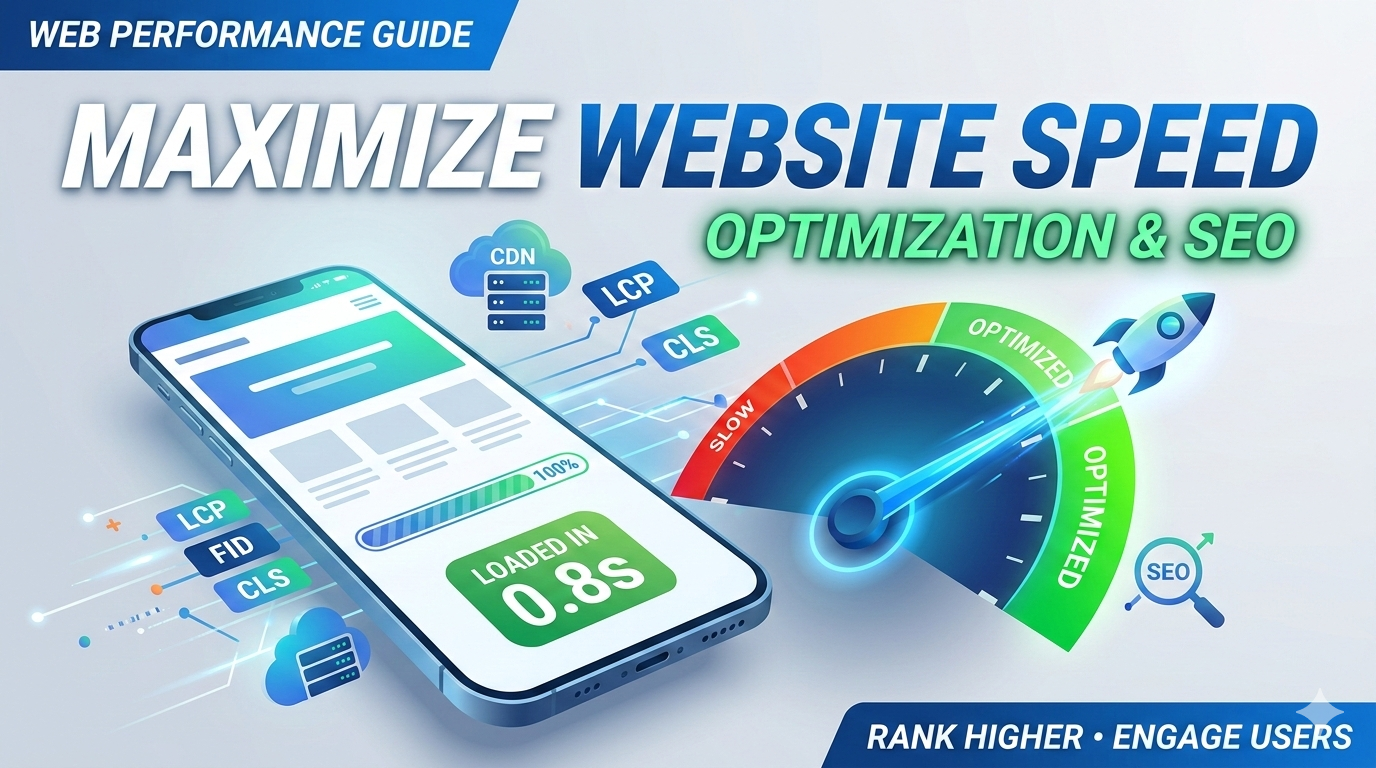
In the digital era, patience isn’t just a virtue—it’s a relic of the past. If your site takes more than three seconds to load, you aren’t just losing “traffic”; you’re actively handing your customers over to your competitors.
Website speed optimization is no longer a “nice-to-have” technical checkbox. It is the backbone of user experience (UX) and a critical pillar of modern search engine algorithms. Whether you are aiming for Google’s Page 1 or trying to satisfy the precision of Generative Engine Optimization (GEO), speed is the currency of the web.
This guide dives deep into how you can master your site’s performance to satisfy both human users and search engine algorithms.
Let’s explore how the website speed optimization process works.
Why Website Speed Optimization Matters in 2026
Google’s shift toward Core Web Vitals solidified the relationship between technical performance and rankings. But in 2026, the stakes are higher. With the rise of Answer Engine Optimization (AEO), AI agents prioritize sites that deliver data instantly.
When you prioritize website speed optimization, you are essentially telling search engines that your site is reliable. High-performance sites see:
- Lower Bounce Rates: Users stay longer when pages respond instantly.
- Higher Conversion Rates: Every millisecond saved correlates to a percentage increase in revenue.
- Improved Crawl Budget: Search bots can index more pages if your server responds quickly.
The Core Pillars of Website Performance
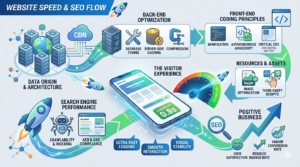
To master website speed optimization, you must understand the three pillars of website performance: the server, the code, and the content.
1. Server-Side Efficiency
Your hosting environment is the foundation. If your server is sluggish, no amount of front-end tweaking will save your page load speed SEO.
- Time to First Byte (TTFB): This measures how long the server takes to send the first byte of data. Aim for under 200ms.
- HTTP/3 Implementation: Ensure your server uses the latest protocols for faster data transmission.
2. Front-End Refinement
This is where the browser renders your HTML, CSS, and JavaScript. Excessive “code bloat” is the primary enemy of website speed optimization.
- Minification: Removing unnecessary characters (spaces, comments) from code.
- Compression: Using Gzip or Brotli to shrink file sizes.
Strategic Steps for Page Load Speed SEO
If you want to rank, you need to play by the rules of the Core Web Vitals. Let’s break down the technical maneuvers required for elite website speed optimization.
Optimize Images Without Losing Quality
Images often account for the bulk of a page’s weight.
- WebP & AVIF Formats: Move away from PNG and JPEG. These next-gen formats offer superior compression.
- Lazy Loading: Only load images as the user scrolls down to them.
- Responsive Images: Serve different image sizes based on the user’s device.
Leveraging Browser Caching
Browser caching stores fragments of your site on the visitor’s local drive. When they return, their browser doesn’t have to fetch the entire site from the server again. This is a “quick win” for website speed optimization.
Content Delivery Networks (CDN)
A CDN like Cloudflare or Akamai distributes your site’s content across a global network of servers. A user in Tokyo will pull data from a Tokyo node rather than your main server in New York, drastically improving website performance.
Advanced Techniques: JavaScript and Critical CSS
Modern websites are often “heavy” because of JavaScript. To achieve professional-grade website speed optimization, you must manage how scripts execute.
Defer and Async
By default, JavaScript “blocks” the rendering of the page. By using defer or async attributes, you allow the HTML to load while the scripts wait their turn.
- Defer: Executes the script after the document has been parsed.
- Async: Executes the script as soon as it’s downloaded.
Prioritizing Critical CSS
Identify the CSS required to style the “Above the Fold” content (the part users see first). Inline this CSS directly into the HTML and load the rest of the stylesheet asynchronously. This significantly improves your page load speed SEO metrics like Largest Contentful Paint (LCP).
Optimizing for AEO, GEO, and AI Search
The landscape of search has changed. We are no longer just optimizing for blue links; we are optimizing for AI-generated answers.
Answer Engine Optimization (AEO) and Generative Engine Optimization (GEO) rely on the ability of AI models to “scrape” and understand your site quickly. If your website speed optimization is poor, the AI’s timeout threshold might prevent your content from being cited in an AI Overview.
- Structured Data: Use Schema markup to help AI understand your content instantly.
- Mobile-First Design: Since most AI-driven searches happen on mobile, your website performance on 4G/5G networks must be flawless.
Tools to Measure Your Success
You cannot manage what you cannot measure. To keep your website speed optimization on track, use these industry-standard tools:
- Google PageSpeed Insights: Provides a detailed breakdown of mobile and desktop performance.
- GTmetrix: Offers a waterfall chart to see exactly which file is slowing you down.
- Lighthouse: An open-source tool built into Chrome for auditing performance and SEO.
| Metric | Goal | Impact on SEO |
| LCP (Largest Contentful Paint) | < 2.5s | High |
| FID (First Input Delay) | < 100ms | Medium |
| CLS (Cumulative Layout Shift) | < 0.1 | High |
| TTFB (Time to First Byte) | < 0.8s | Critical |
Common Pitfalls in Website Speed Optimization
Even pros make mistakes. Avoid these common errors that tank your website performance:
- Too Many Plugins: On platforms like WordPress, every plugin adds a layer of code.
- Redirect Chains: Each redirect adds precious milliseconds to the load time.
- Unoptimized Third-Party Scripts: Tracking pixels and chat widgets are notorious for slowing down page load speed SEO.
Conclusion
In 2026, website speed optimization is the bridge between a bounce and a conversion. By focusing on image compression, server response times, and efficient code execution, you ensure that your website performance meets the high standards of both human users and AI search engines.
Remember, a fast site isn’t just a technical achievement; it’s a competitive advantage. Start auditing your site today and watch your rankings climb.
Frequently Asked Questions (FAQs)
What is the ideal load time for a website?
For optimal website speed optimization, aim for a load time under 2 seconds. Research shows that bounce rates increase significantly after the 3-second mark.
Does website speed optimization affect mobile rankings?
Absolutely. Google uses mobile-first indexing, meaning the mobile version of your site is the baseline for rankings. If your page load speed SEO is weak on mobile, your overall rankings will suffer.
What is the difference between PageSpeed and Site Speed?
PageSpeed refers to the performance of a specific URL, while site speed is the average performance of a sample of page views on your site. Both are vital for website performance.
How do images impact website speed optimization?
Unoptimized images are the #1 cause of slow websites. Large file sizes increase data transfer needs, slowing down the page load speed SEO for users on slower connections.
Can a CDN really improve my website performance?
Yes. By reducing the physical distance between the server and the user, a CDN reduces latency, which is a major factor in website speed optimization.
Read our other articles:
The Critical Importance of Brand Identity for Modern Business
Top 10 Effective Branding Strategies For Startups in 2026
Top 7 Web Development Trends 2026 You Must-Know
Custom Website vs Template? The Ultimate 2026 Guide
SEO for Small Businesses: The Ultimate 2026 Growth Guide
10 Best Social Media Marketing Tips for Small Businesses
10 Critical Digital Transformation Benefits for Growth
Scaling Businesses with Tech: The Ultimate 2026 Guide
10 Pro Tips to Choose the Best Web Development Company
Website Redesign Checklist: The Ultimate 2026 Guide
Custom Web Development vs WordPress: Which Is Better?
SEO for Beginners: The Ultimate 2026 Strategy Guide
10 Common Logo Design Mistakes to Avoid in 2026
10 Proven Email Marketing Tips to Boost Conversions
Master Your Digital Marketing Strategy: The 2026 Growth Playbook